Manual modules
Where it is
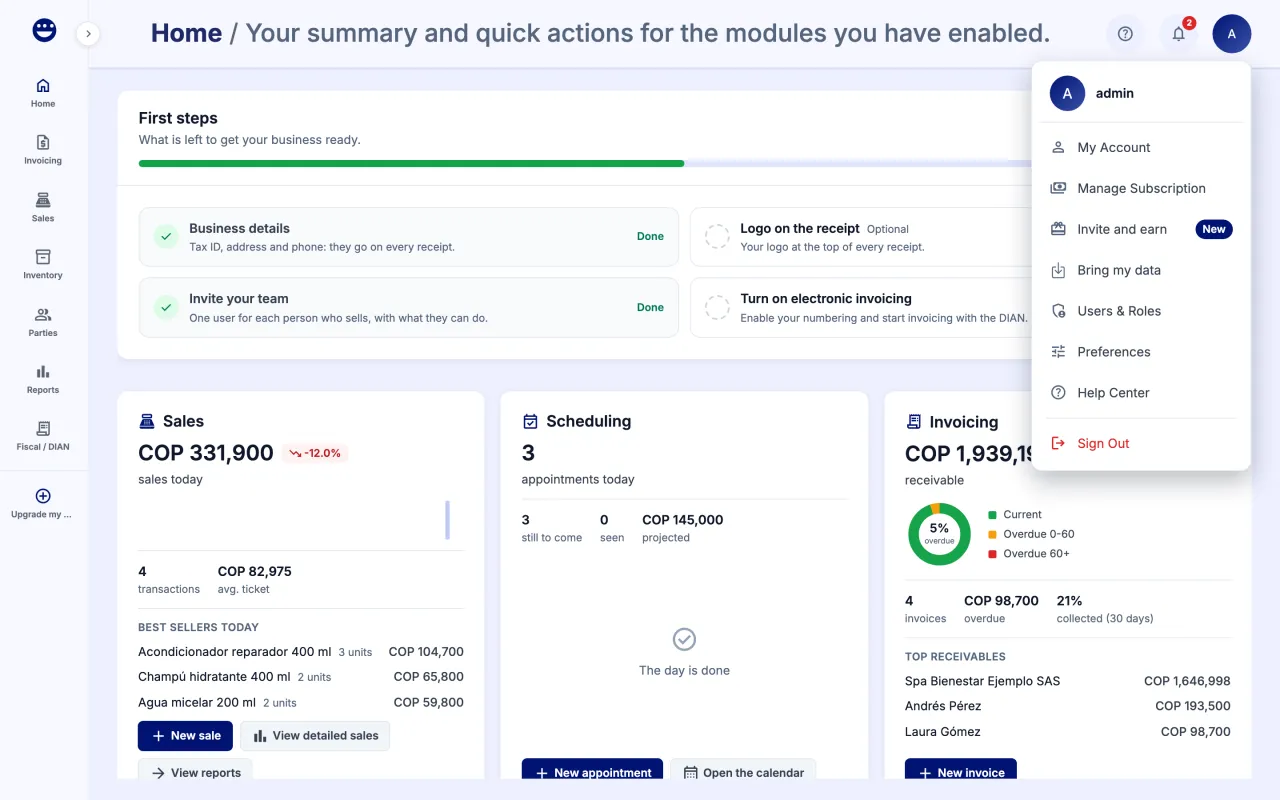
Mia: "Help" menu in the top bar › "Talk to an agent". Manual: account menu › Help Center.
Open in your POSYMA
When you see it
Mia is included in every POSYMA.
Guide 1 of 3How to ask Mia a question
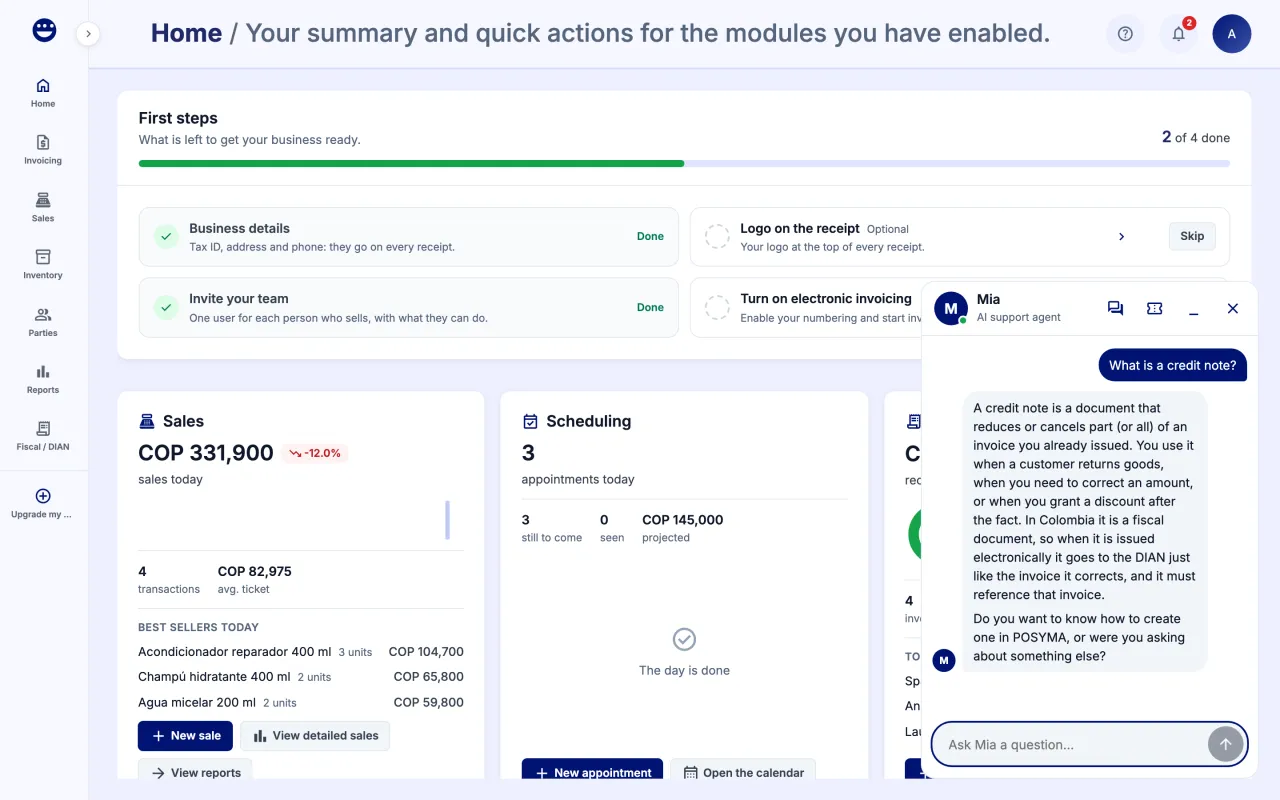
- Open the "Help" menu in the top bar and click "Talk to an agent".
- Type your question in "Ask Mia a question…" and click "Send".
- If your question is about a task, Mia can guide you through the screen. She shows you where to click and what to type.
- To pick up an earlier conversation, open it from "Chats". To start another one, use "New request".
When Mia needs to do something for you, such as saving a form, she asks your permission first.
Guide 2 of 3How to follow a support request
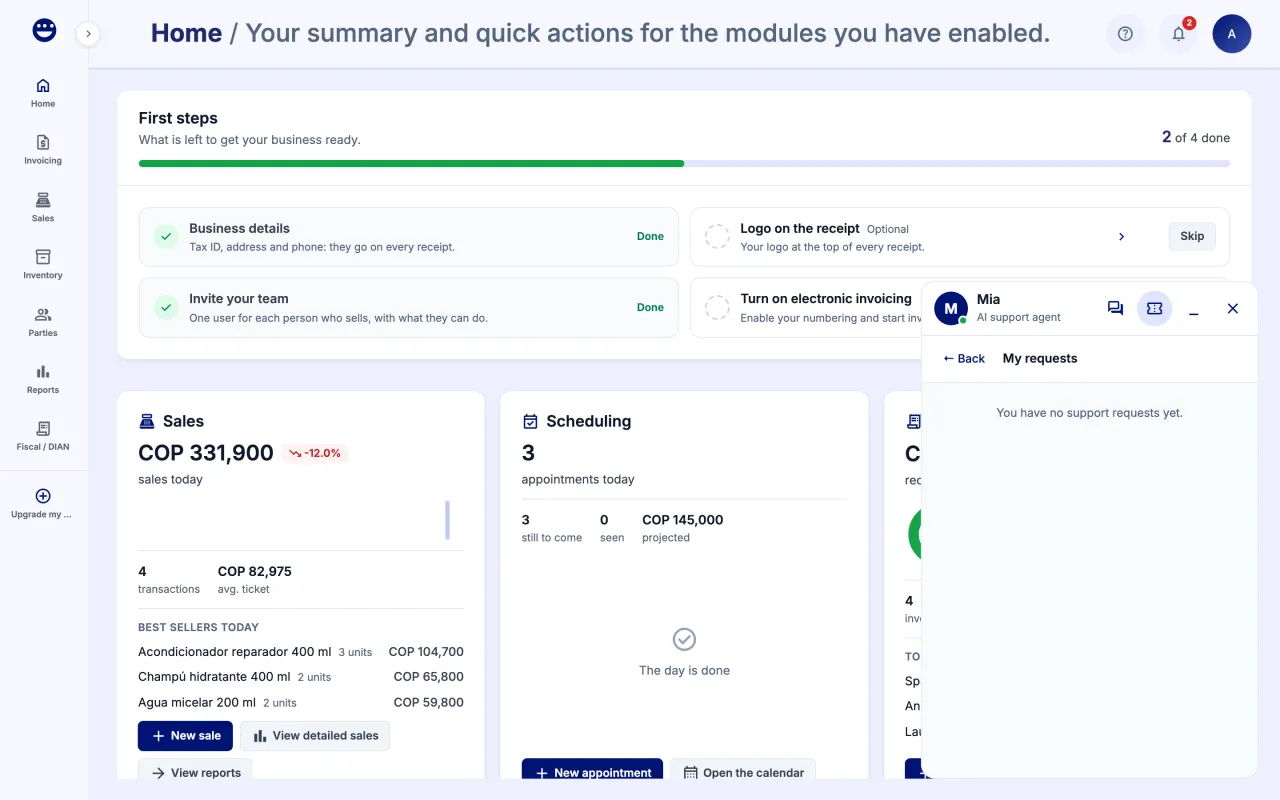
- If Mia cannot solve your case, she creates a request and gives you its number.
- Open "My requests" from Mia's panel to see where each one stands: Created, Taken, In progress, Answered, Validated or Solved. When it is "Validated", check the solution; if something still fails, write to us in the conversation.
- When a team member joins, you see the notice "You are now talking to a person". What you type goes to that agent.
Frequently asked questions
Does Mia cost extra?
No. Mia is included in every POSYMA.
Can Mia do things in other apps?
No. Mia works inside POSYMA. For tasks on other sites, such as the DIAN portal, she explains the steps but does not do them for you.
Where do I find an earlier conversation?
Under "Chats" in Mia's panel. If you hide it from your history, support keeps it.